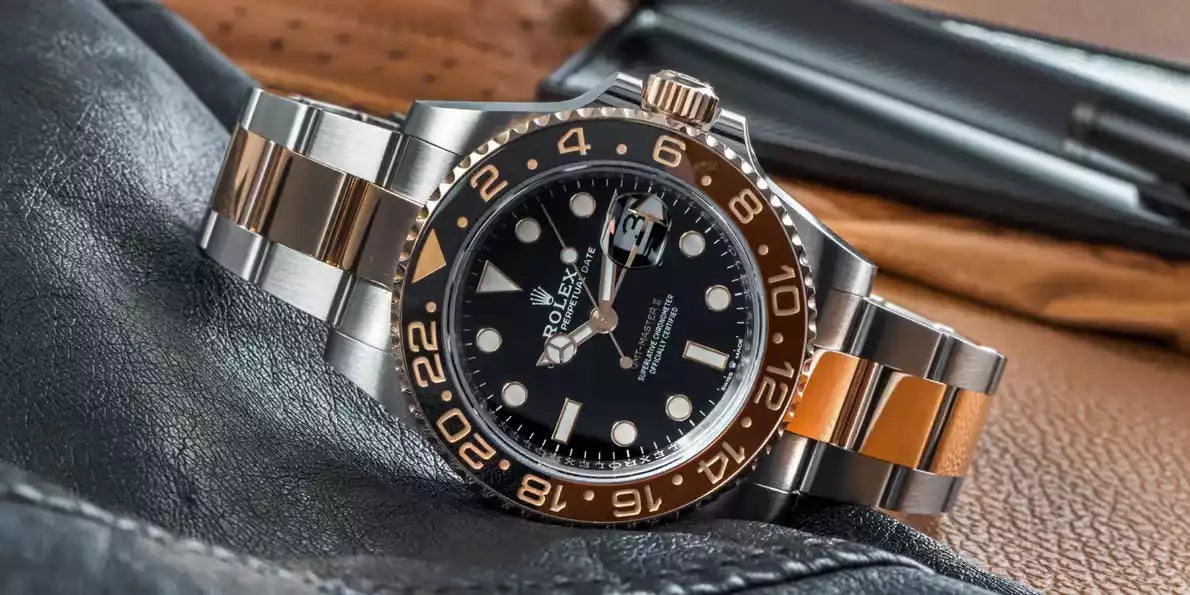
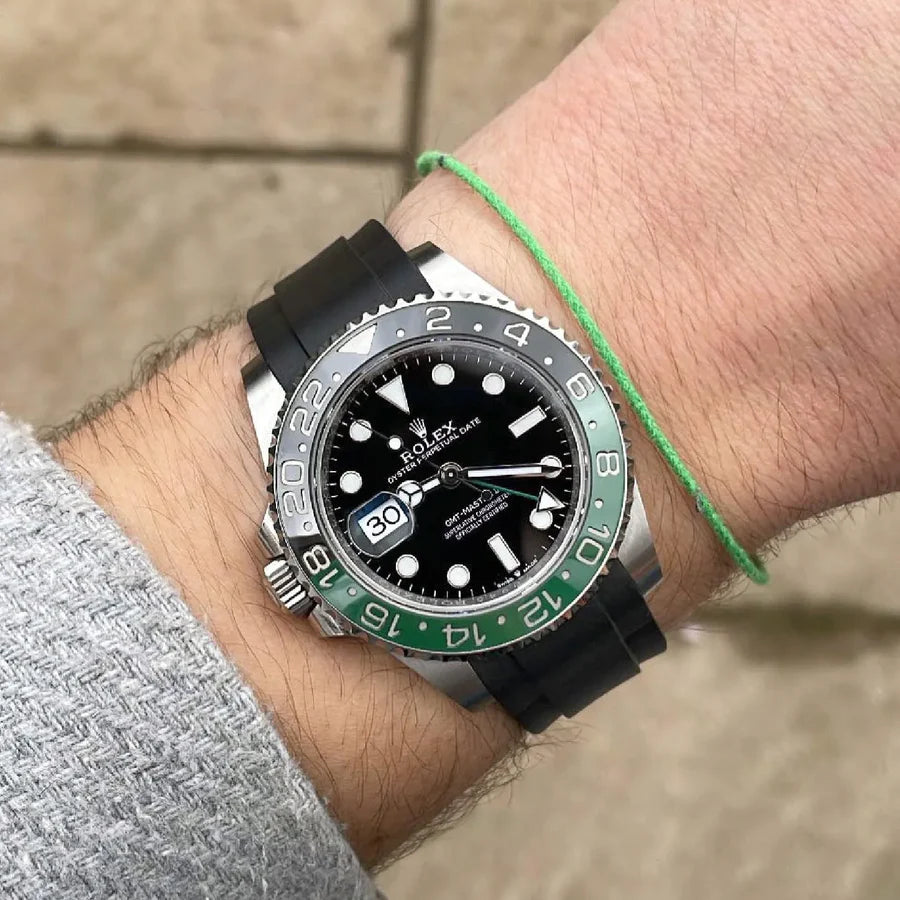
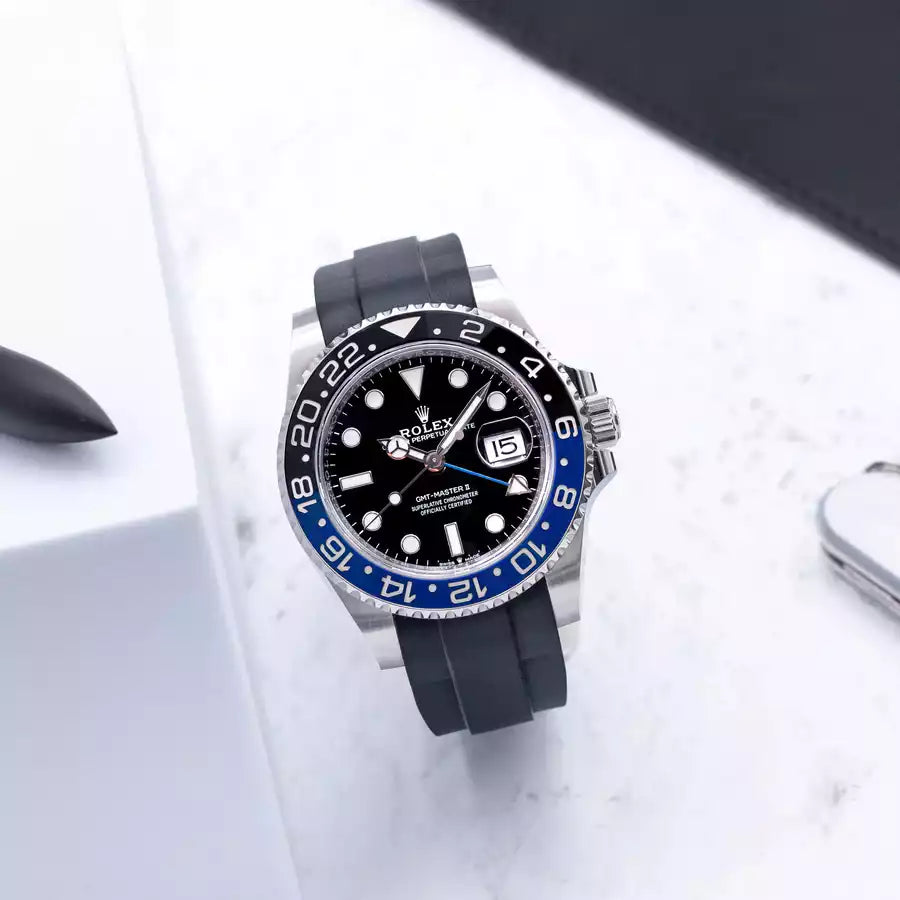
The Rolex GMT Master II is one of their most iconic pieces, made famous through Pan Am pilots wearing this functional timepiece whilst suited-and-booted, it wasn’t long before everyone wanted one. This watch became synonymous with the ‘glory’ days of aviation which helped fuel the lust for this particular Rolex model, and you could argue the same remains true today. With travel being more accessible than ever and more often than not people now work in Teams situated across the globe in different time zones. Whilst we have every app you can think of on your phone to tell you the exact time down to the millisecond in another time zone, it’s still a great feature to have on a watch. So today we are going over how to set your Rolex GMT Master II.



Moving all the hands till they point to twelve o'clock can make things lot easier, especially if you want to track and use a different time zone. Then, if you are on vacation overseas or perhaps in a different time zone where you work, draw the watch crown out to position three and spin the minutes and hours hand till the long, thin hour hand indicates the time back home. After that, you should move the crown to position two and set the local hour hand and date to your local time, which is the time where you are right now. Now that the time has been fully set, you can safely screw the crown into place on your Rolex GMT Master II. However, you can only track two time zones at this moment; you must utilise the bi-directional rotating bezel to track a third.